Skip to content
Thursday, Aug 20, 2026

Daily Harend

The Developer's Everyday Toolkit

Home
  • Code & Editors
    • Editors & IDEs
    • Extensions & Customization
  • Terminal & CLI
    • CLI Tools & Shell
    • Terminal Emulators
  • API & Backend Tools
    • API Clients & Testing
    • Local Mocking & Tunnels
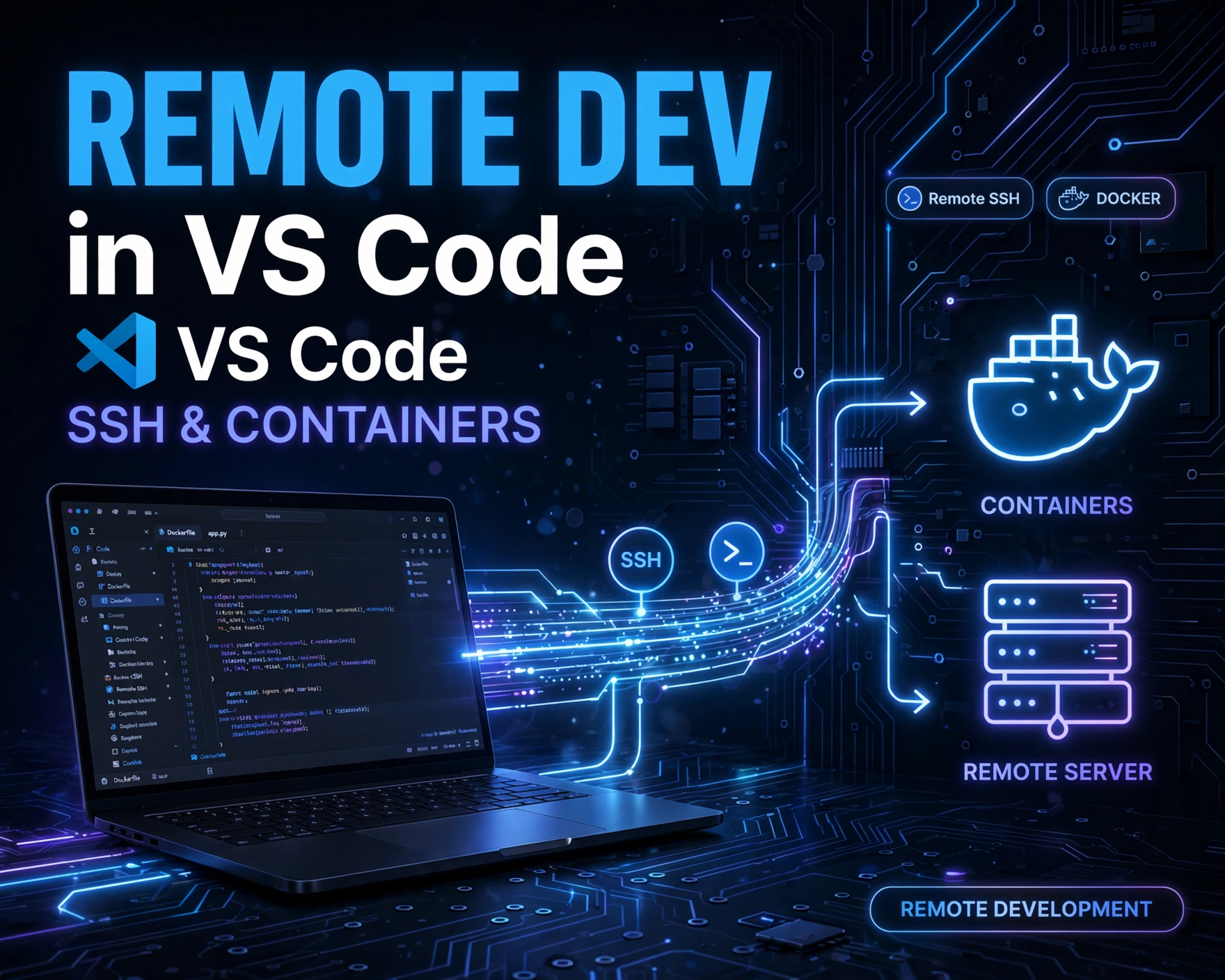
How to Set Up Remote Development in VS Code Using SSH and Containers: 7 Proven Steps for Effortless, Secure, and Scalable Dev Environments
Code & EditorsExtensions & Customization

How to Set Up Remote Development in VS Code Using SSH and Containers: 7 Proven Steps for Effortless, Secure, and Scalable Dev Environments

by Dinda HarendAugust 18, 2026August 18, 2026

Remote development isn’t just convenient—it’s becoming the gold standard for modern engineering teams. Whether you’re deploying to cloud servers, managing legacy infrastructure, or collaborating across time zones, mastering how to set up remote development in…
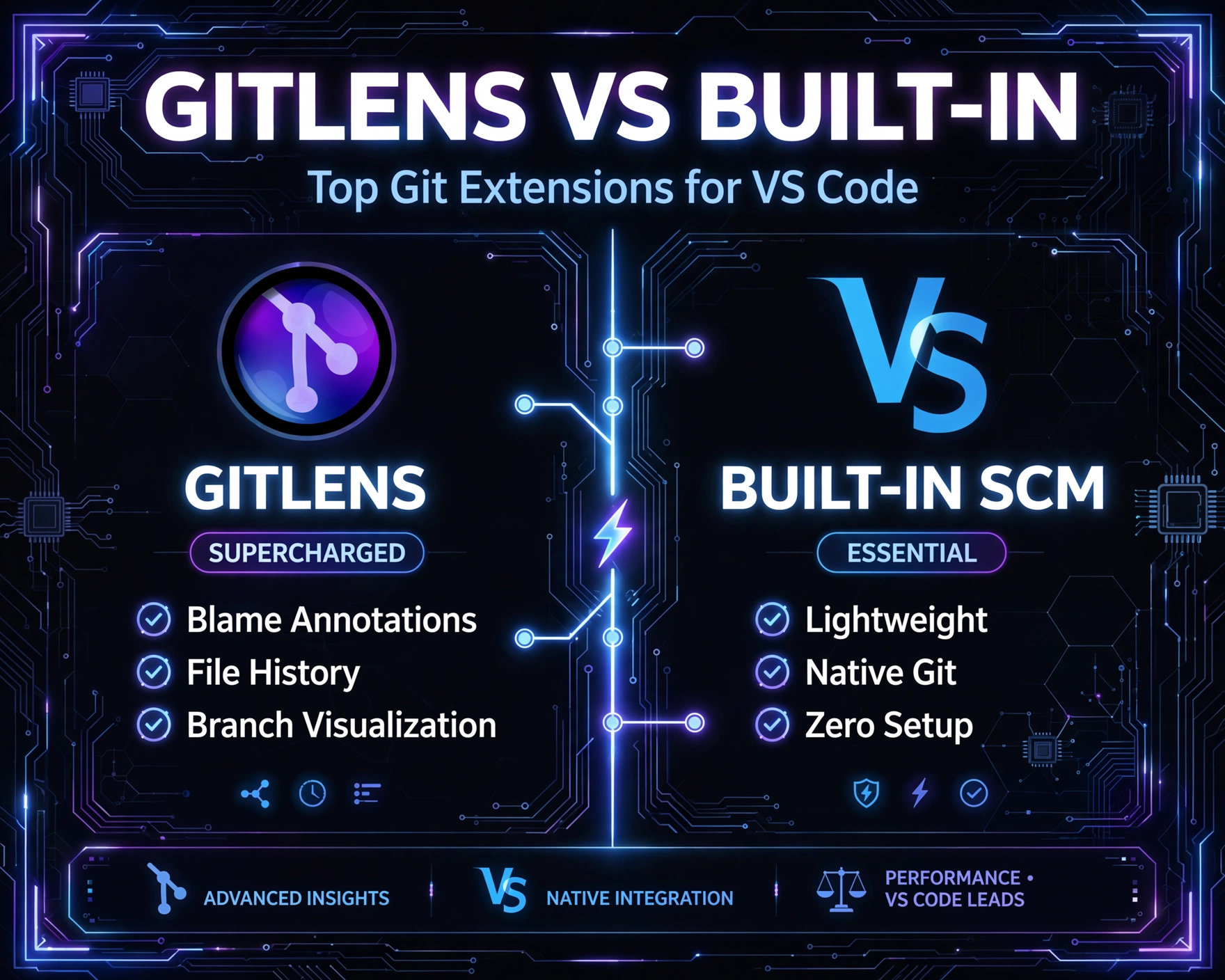
Top Git Extensions for VS Code: GitLens vs Built-in Source Control — 7 Unbeatable Comparisons
Code & EditorsExtensions & Customization

Top Git Extensions for VS Code: GitLens vs Built-in Source Control — 7 Unbeatable Comparisons

by Dinda HarendAugust 18, 2026August 18, 2026

Let’s cut through the noise: VS Code’s built-in Git support is solid—but it’s just the baseline. When you’re juggling complex repos, legacy codebases, or team workflows, you need more than basic commit history. That’s where…

Vim Keybindings in VS Code: A Practical Guide for Faster Editing — 12 Proven Techniques to Boost Your Coding Speed Instantly
Code & Editors

Vim Keybindings in VS Code: A Practical Guide for Faster Editing — 12 Proven Techniques to Boost Your Coding Speed Instantly

by Dinda HarendAugust 18, 2026August 18, 2026

Ever watched a senior developer fly through code—jumping lines, swapping words, deleting blocks—all without touching the mouse? It’s not magic; it’s Vim keybindings in VS Code. This practical guide unpacks how to harness that power…

Best Tailwind CSS Extensions and Plugins for Visual Studio Code: 12 Powerful Tools You Can’t Ignore in 2026
Code & EditorsExtensions & Customization

Best Tailwind CSS Extensions and Plugins for Visual Studio Code: 12 Powerful Tools You Can’t Ignore in 2026

by Dinda HarendAugust 18, 2026August 18, 2026

Building modern, utility-first UIs just got faster — and smarter. If you're using Tailwind CSS in VS Code, you’re already halfway there. But without the right extensions, you’re coding blindfolded. Let’s unlock autocomplete, linting, color…

How to Sync VS Code Settings Across Multiple Machines Without Issues: 7 Proven, Reliable, and Future-Proof Methods
Code & EditorsExtensions & Customization

How to Sync VS Code Settings Across Multiple Machines Without Issues: 7 Proven, Reliable, and Future-Proof Methods

by Dinda HarendAugust 18, 2026August 18, 2026

Struggling with inconsistent themes, extensions, or keybindings every time you switch laptops? You’re not alone. Syncing VS Code settings across devices shouldn’t feel like debugging a race condition — yet many developers waste hours on…

11 Best Code Snippet Managers for Developers to Boost Daily Speed
Code & EditorsExtensions & Customization

11 Best Code Snippet Managers for Developers to Boost Daily Speed

by Dinda HarendAugust 18, 2026August 18, 2026

Every developer knows the sting of rewriting the same regex, API call, or React hook—*again*. What if you could slash repetitive typing by 40–70%? Meet code snippet managers: your silent productivity co-pilots. This isn’t just…

How to Configure ESLint and Prettier in VS Code for Clean Codebases: 7 Proven Steps to Master Code Quality Instantly
Code & EditorsExtensions & Customization

How to Configure ESLint and Prettier in VS Code for Clean Codebases: 7 Proven Steps to Master Code Quality Instantly

by Dinda HarendAugust 18, 2026August 18, 2026

Writing clean, consistent, and maintainable JavaScript or TypeScript code isn’t just about skill—it’s about smart tooling. In this hands-on, no-fluff guide, we’ll walk you through exactly how to configure ESLint and Prettier in VS Code…

Top 5 Minimalist Dark Themes for VS Code That Reduce Eye Strain: Ultimate 2026 Guide
Code & EditorsExtensions & Customization

Top 5 Minimalist Dark Themes for VS Code That Reduce Eye Strain: Ultimate 2026 Guide

by Dinda HarendAugust 18, 2026August 18, 2026

Staring at code for hours? You’re not alone — and your eyes shouldn’t pay the price. Minimalist dark themes for VS Code aren’t just about aesthetics; they’re science-backed tools for reducing visual fatigue, improving contrast…

Top 10 VS Code Extensions for Backend & API Development: The Ultimate Power-Packed Toolkit
Code & EditorsExtensions & Customization

Top 10 VS Code Extensions for Backend & API Development: The Ultimate Power-Packed Toolkit

by Dinda HarendAugust 18, 2026August 18, 2026

Whether you're building RESTful microservices, debugging GraphQL endpoints, or orchestrating containerized Node.js APIs, your editor is your command center. VS Code—lightweight, extensible, and deeply integrated—shines brightest when supercharged with the right extensions. In this definitive,…

Top 10 Essential VS Code Extensions for Frontend Developers: Ultimate Power-Packed Toolkit
Code & EditorsExtensions & Customization

Top 10 Essential VS Code Extensions for Frontend Developers: Ultimate Power-Packed Toolkit

by Dinda HarendAugust 18, 2026August 18, 2026

Frontend development moves at lightning speed—and your editor shouldn’t be the bottleneck. Visual Studio Code, with its lightweight architecture and rich ecosystem, has become the undisputed champion for modern web developers. But its true power…

Posts pagination

Previous 1 … 3 4 5 Next
  • About Us
  • Contact Us
  • Disclaimer
  • HOME
  • Privacy Policy
  • Terms of Service
Copyright © Daily Harend 2026 Theme: Blog Hub By Artify Themes.

Powered by
►
Necessary cookies enable essential site features like secure log-ins and consent preference adjustments. They do not store personal data.
None
►
Functional cookies support features like content sharing on social media, collecting feedback, and enabling third-party tools.
None
►
Analytical cookies track visitor interactions, providing insights on metrics like visitor count, bounce rate, and traffic sources.
None
►
Advertisement cookies deliver personalized ads based on your previous visits and analyze the effectiveness of ad campaigns.
None
►
Unclassified cookies are cookies that we are in the process of classifying, together with the providers of individual cookies.
None
Powered by