

Social Media Visual
Tactile Process Social Stories
A reusable image-generation prompt for mobile-first social visuals that explain a satisfying making process through objects and sequence.
Featured real result
What this prompt produced
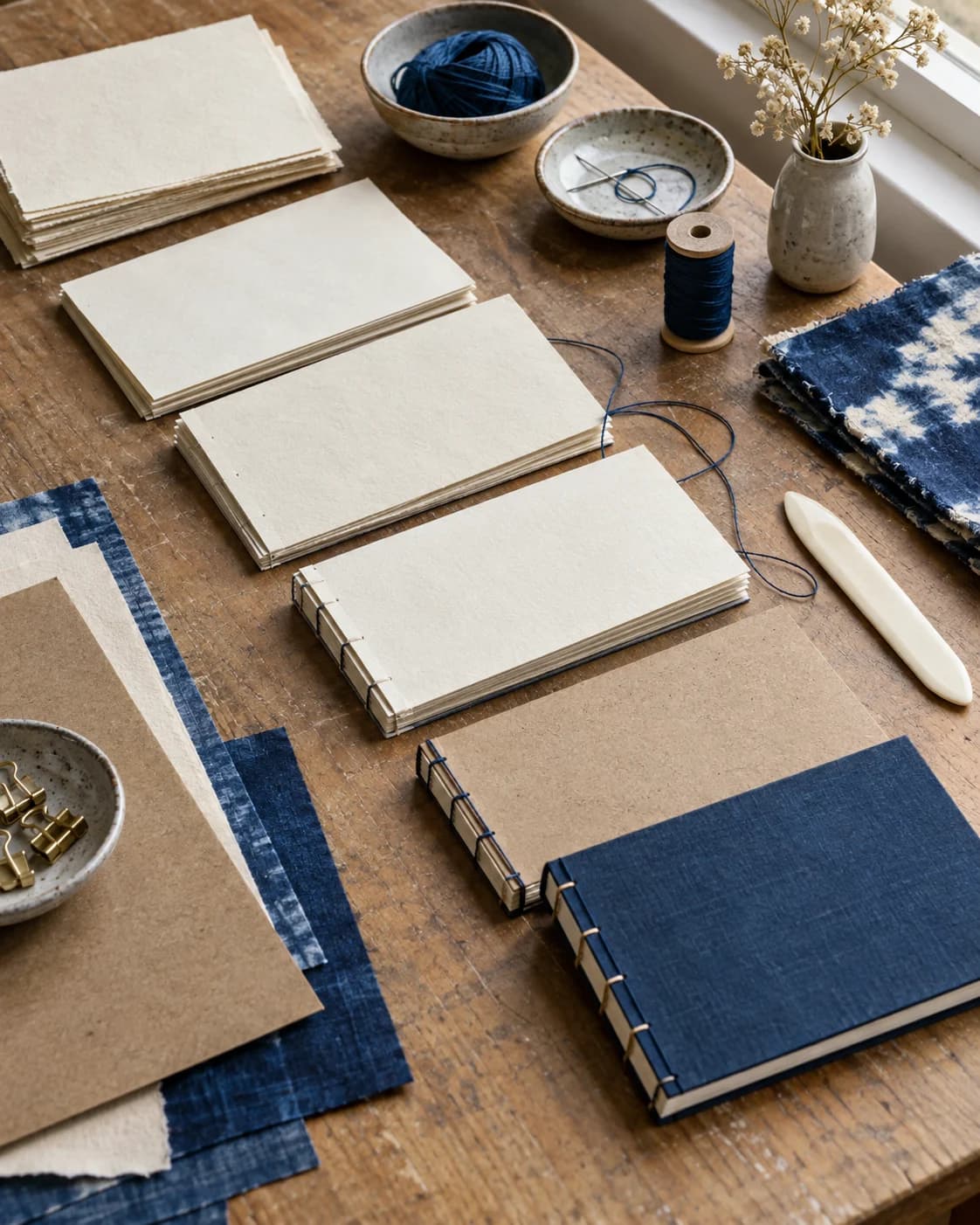
Demo 1 keeps the hand-thrown ceramic glazing as the clear focal direction while preserving the prompt's a layered diagonal sequence from raw form to finished glaze and soft studio window light.
The master prompt
Create a 4:5 social media feed visual for a prompt about tactile process storytelling. Subject: [SUBJECT]. Setting: [SETTING]. Composition: [COMPOSITION]. Lighting: [LIGHTING]. Palette: [PALETTE]. The image should communicate a satisfying process at a glance through layered objects and a clear visual sequence, with no text, logos, watermarks, interface elements, hands, or people. Polished editorial lifestyle photography, genuine generated image.
Visual direction
Style: Tactile editorial lifestyle photography built for quick social understanding and material curiosity.
Lighting: Window, morning, side, and afternoon light make the tools and stages readable at feed scale.
Composition: Layered objects create a visual sequence from preparation to result without interface graphics or text.
Variables
- SUBJECT — process being communicated
- SETTING — tactile workspace
- COMPOSITION — visual sequence and focal path
- LIGHTING — feed-friendly illumination
- PALETTE — process materials and accents
How to use it
- Choose one process with three or more visible stages or tools.
- Keep the master prompt stable when comparing crafts.
- Add captions and platform typography only after generation.
Same master prompt, different variables
Demo variations
Demo 01
hand-thrown ceramic glazing
- SETTING
- a quiet pottery workbench with bowls, glaze cups, and brushes
- COMPOSITION
- a layered diagonal sequence from raw form to finished glaze
- LIGHTING
- soft studio window light
- PALETTE
- cobalt, clay, and cream
Demo 1 keeps the hand-thrown ceramic glazing as the clear focal direction while preserving the prompt's a layered diagonal sequence from raw form to finished glaze and soft studio window light.
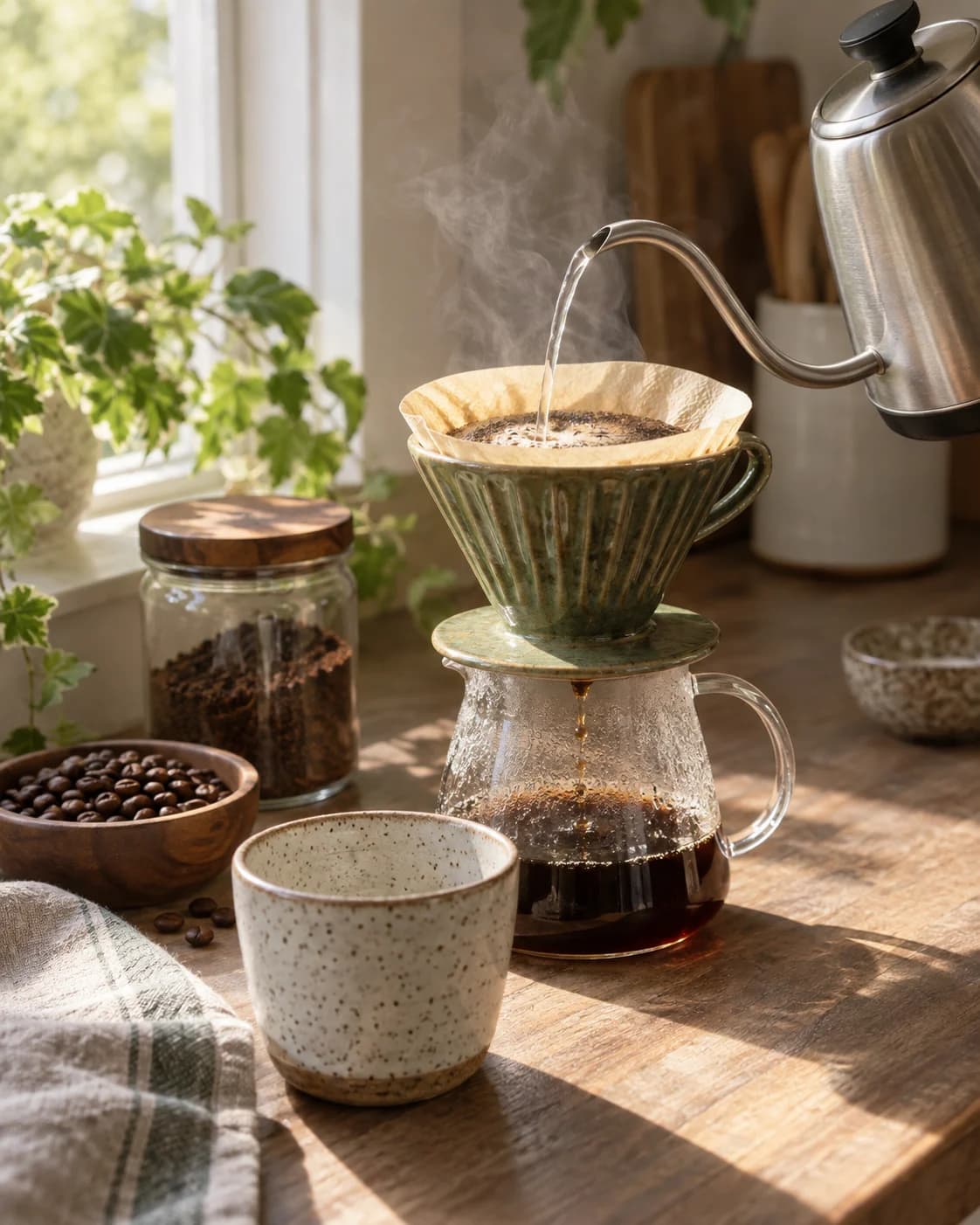
Demo 02
small-batch bread shaping
- SETTING
- a flour-dusted bakery table with dough, scraper, and linen
- COMPOSITION
- a close overhead process path with the shaped loaf at the end
- LIGHTING
- bright diffused morning light
- PALETTE
- flour white, wheat, and charcoal
Demo 2 keeps the small-batch bread shaping as the clear focal direction while preserving the prompt's a close overhead process path with the shaped loaf at the end and bright diffused morning light.
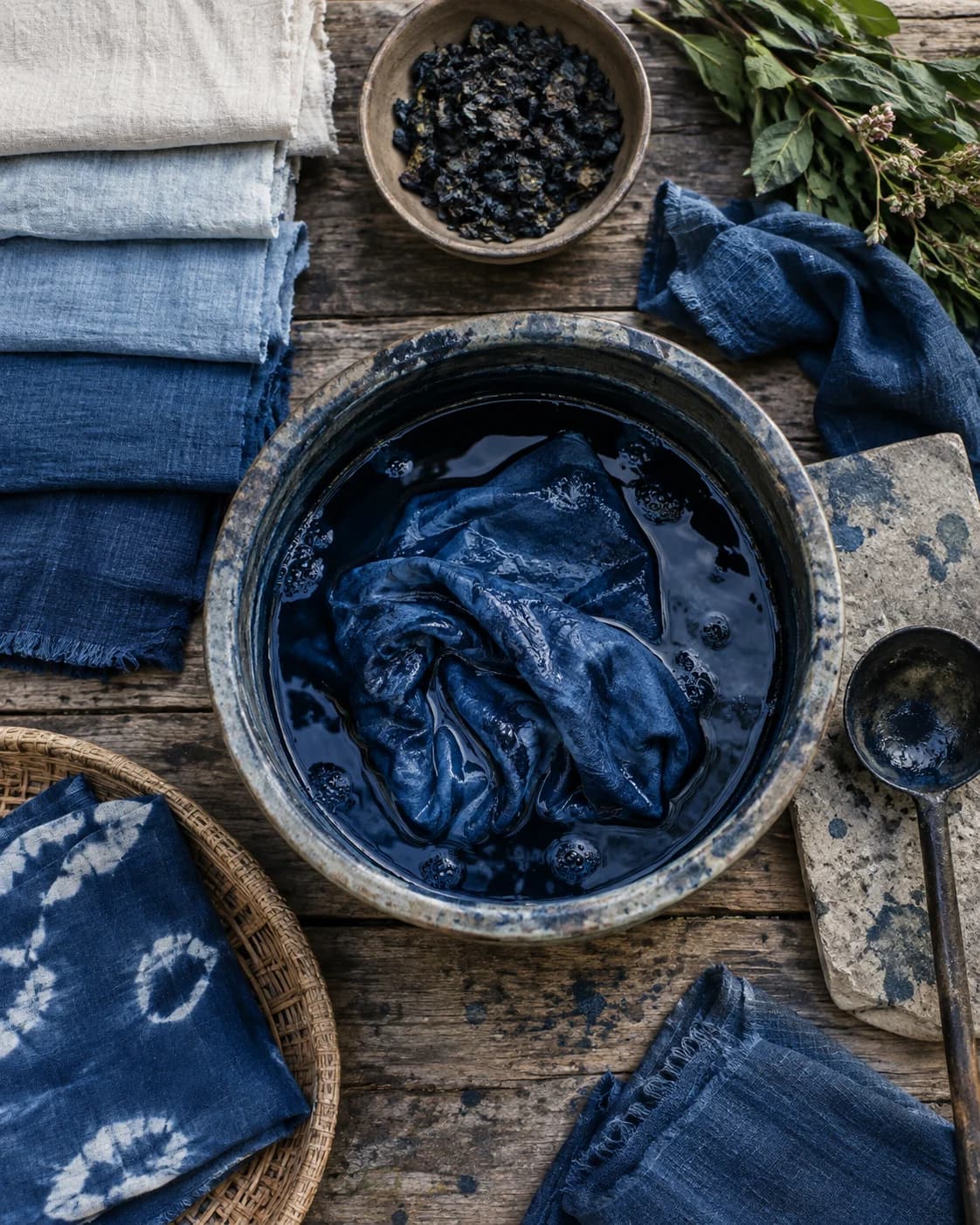
Demo 03
natural dye swatch making
- SETTING
- a textile studio with folded cloth, dye jars, and drying samples
- COMPOSITION
- a tabletop sequence with a clear progression of color
- LIGHTING
- clear side daylight
- PALETTE
- indigo, rust, and unbleached cotton
Demo 3 keeps the natural dye swatch making as the clear focal direction while preserving the prompt's a vertical-feeling tabletop sequence with color progression and clear side daylight.
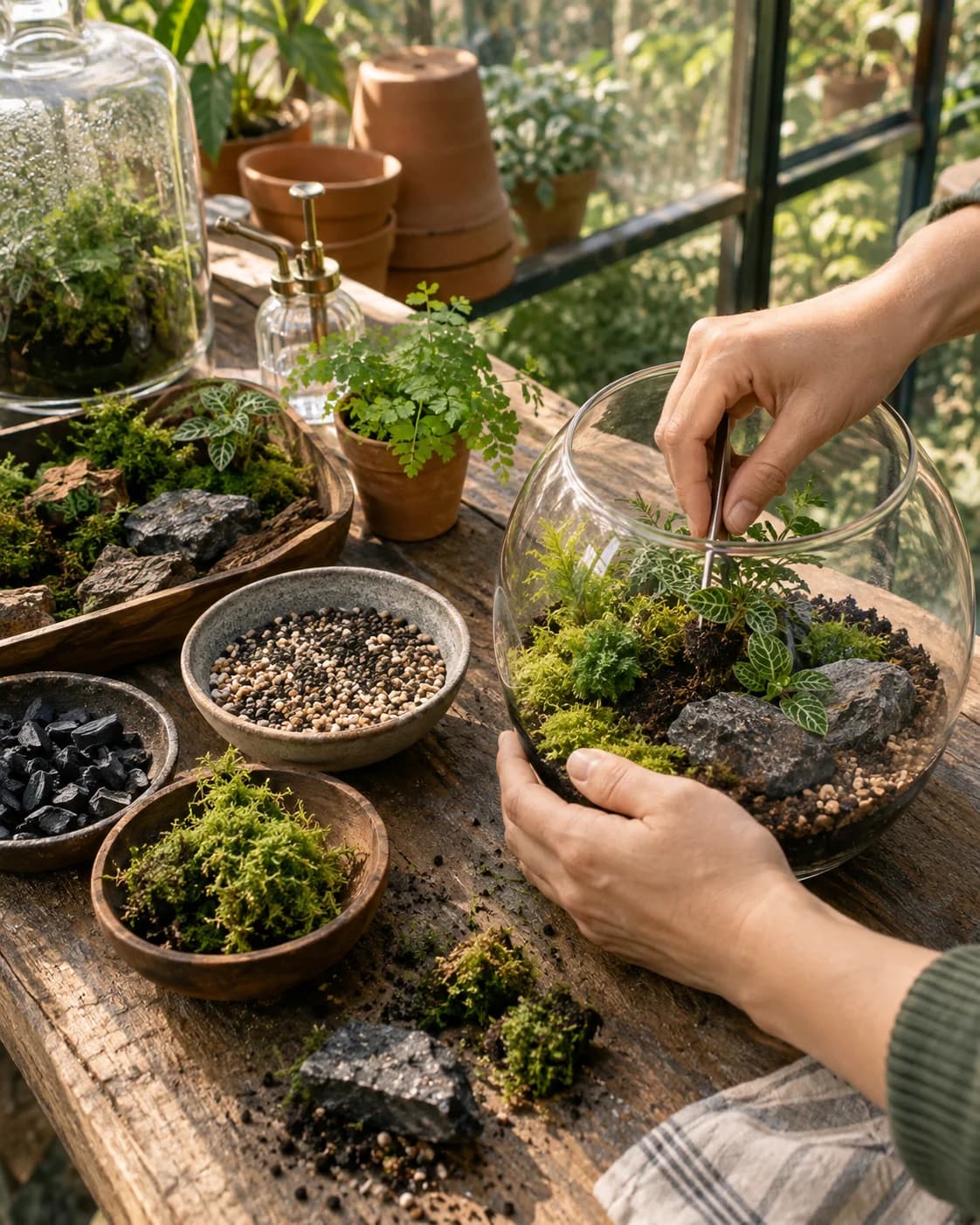
Demo 04
woodblock print preparation
- SETTING
- a printmaker's table with carved blocks, ink roller, and blank paper
- COMPOSITION
- a three-quarter still life with tools leading toward the print
- LIGHTING
- warm directional afternoon light
- PALETTE
- walnut, black ink, and vermilion
Demo 4 keeps the woodblock print preparation as the clear focal direction while preserving the prompt's a three-quarter still life with tools leading toward the print and warm directional afternoon light.
Consistency / testing notes
Process-at-a-glance clarityCONSISTENT
Each demo suggests a readable sequence through tools, materials, and a visible result.
Tactile material detailCONSISTENT
Clay, flour, textile, wood, ink, and paper remain materially legible across the set.
Mobile visual hierarchyMOSTLY CONSISTENT
The focal path remains readable, with expected differences in object density and negative space.
All four demos use final master prompt version v1-b2-tactile-process-4x5; only declared variable values changed. Four authentic generations were assessed as one set.
Tips for better results
- Use contrasting materials to make the process legible.
- Arrange objects as a visual path rather than a random flat lay.
- Keep the final result visible but subordinate to the full process.
Limitations
- Generated process order may not be technically accurate.
- Small tools and repeated objects can vary.
- Do not present the image as documentary evidence of a maker or process.